

note:create permissions as well as thread:read and customer:read to read the thread.
Get notified when you’re mentioned
Subscribe your webhook target tothread.note_mention_created.
It fires when a note mentions a machine user, including when a user edits a note to add the mention. The payload has the thread, the note, and mentions, the list of machine users mentioned.
Check that your agent is among them:
note.markdown holds what the user wrote. Mentions appear in it as tokens: <@mu_…> for a machine user and <@u_…> for a user. Only machine users are listed in mentions; strip or resolve the tokens before you pass the text to a model.
To see every note on a thread, not only the ones that mention you, subscribe to thread.note_created as well. It fires for your own notes too, so skip notes where note.createdBy.actorType is machineUser and machineUserId is yours.
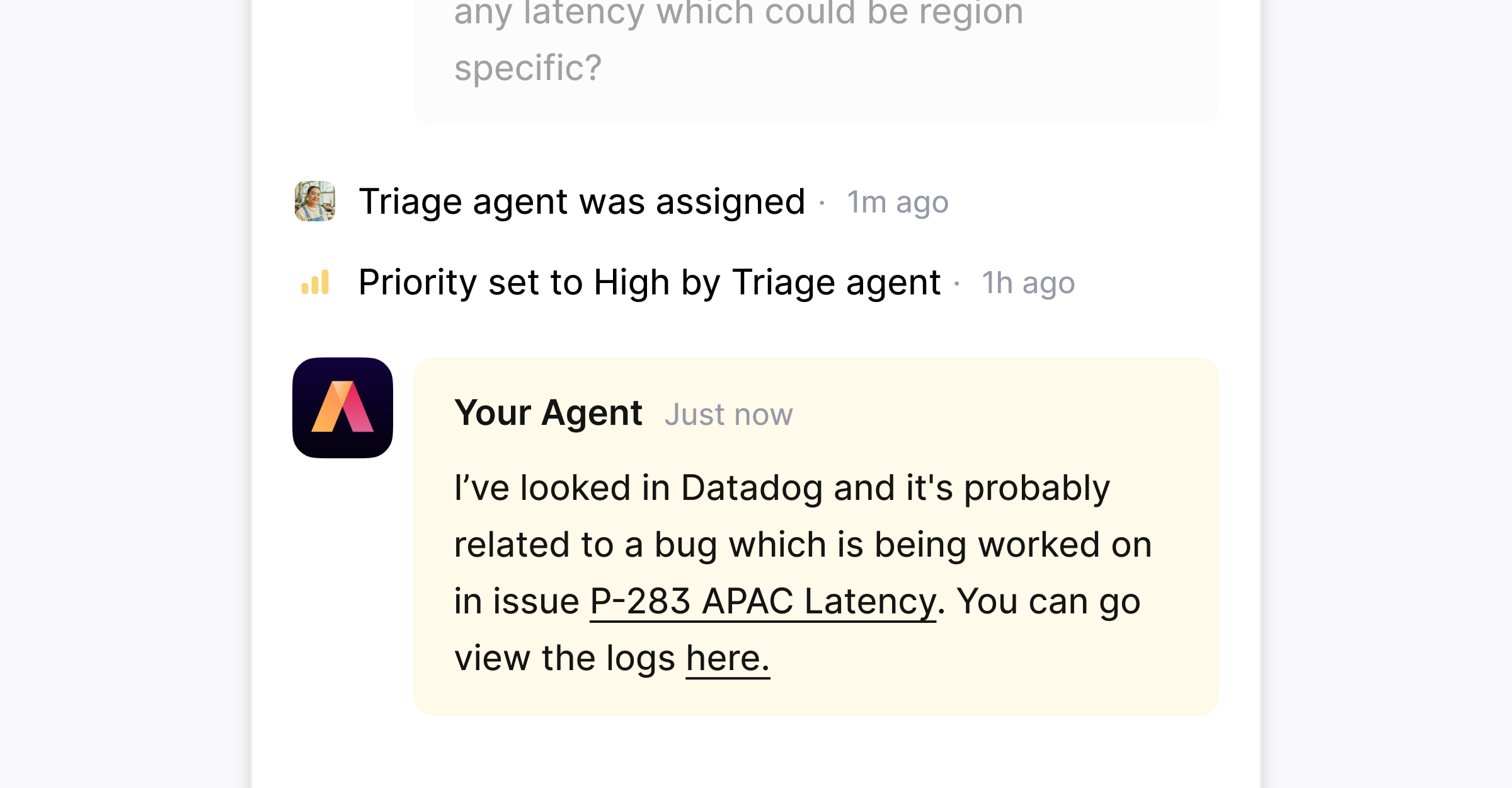
Reply with a note
ThecreateNote mutation adds a note to the thread under the machine user’s name. Send text as the plain version and markdown for formatting. To mention the user who asked, put their <@u_…> token in markdown; Plain renders it as a mention and notifies them.