

Example use cases
- Feature requests to investigate: A customer asks about SSO for their enterprise plan. Create a task to research and follow up, linking it to multiple related threads.
- Bug investigations: A customer reports webhook delivery failures. Create a task assigned to the right team member, linked to the company.
- Follow-up reminders: A customer’s CSV export is timing out for large datasets. Create a task to investigate and link it to the original thread.
Creating tasks
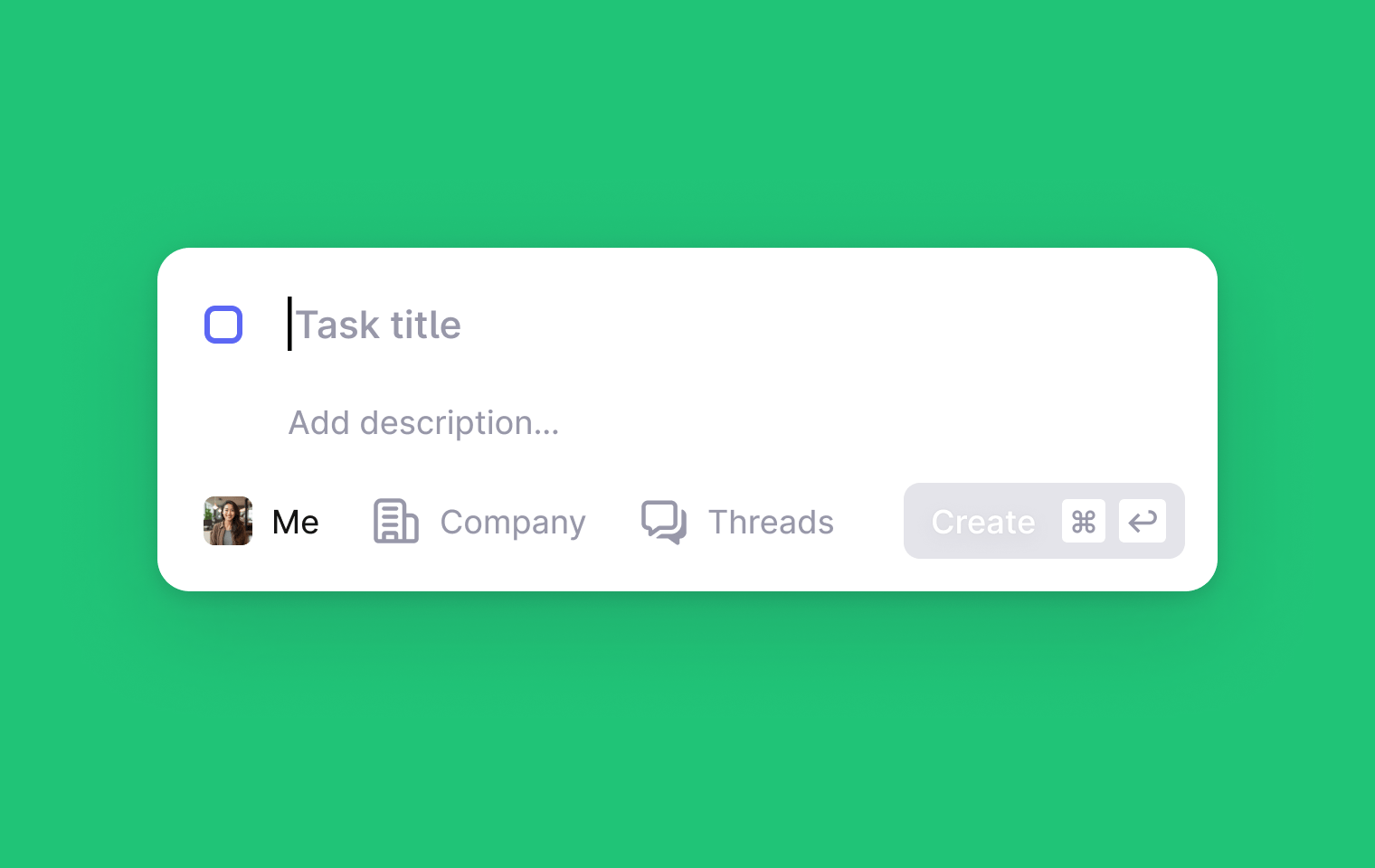
You can create tasks in several ways:From anywhere in Plain
Press t to create a task from anywhere. If you’re viewing a thread, company, or tenant page, the task will automatically pre-fill relevant context (linking the current thread or setting the company/tenant).From the tasks page
Go to the Tasks page and click Create task or press t.From a thread
In the thread sidebar, find the Tasks section and click the + button. You can either link an existing task from the picker or create a new task.Via Sidekick
You can also ask Sidekick to create tasks for you based on the context of the thread you’re viewing. Tasks you create via Sidekick will be auto-linked to the current thread and assigned to yourself.Raised by Ari
When Ari can’t answer a customer from your knowledge sources, Plain records a knowledge gap and creates one task for it, titled Knowledge gap: … and unassigned. Every thread with the same question is linked to that task. The task sidebar shows the gap under Knowledge gap, and Handle with Sidekick drafts the missing article for you. Mark the task done once the knowledge is published.Viewing tasks
Tasks page
The main Tasks page shows all tasks in your workspace, organized into three tabs:- My tasks: Tasks assigned to you that haven’t been completed
- All tasks: All Todo tasks across the workspace
- Done: Completed tasks
Company and tenant pages
Each company and tenant page includes a Tasks tab. This tab shows:- Tasks explicitly linked to that company or tenant
- Tasks linked to that company or tenant via a linked thread (even if the task itself isn’t explicitly linked to the company/tenant)