

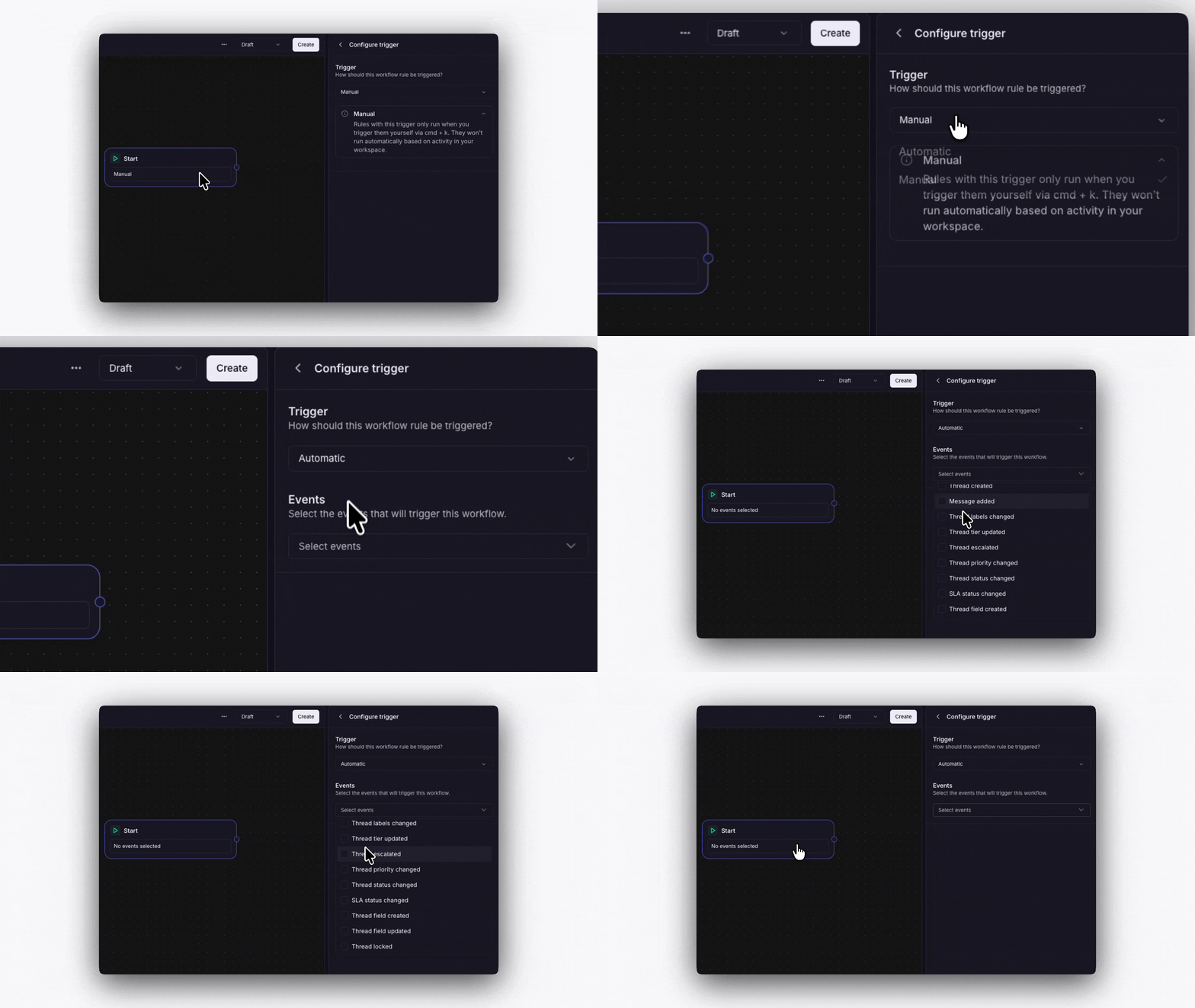
Triggers control when a workflow starts. Conditions are decision points inside the workflow that check something about the thread and split the flow into two paths.
Triggers in Plain

Manual

You run the workflow yourself. Open a thread, click Run workflow, and select which workflow to run. Useful for on-demand processes like escalation procedures.

Automatic

The workflow runs automatically when a thread event happens. You choose which events during setup:
  • Thread created
  • Message added
  • Labels changed
  • Tier updated
  • Thread escalated
  • Priority changed
  • Status changed
  • Thread field created
  • Thread field updated
You can select multiple events for one workflow. For example, trigger on both Thread created and Message added to catch new threads and follow-up messages.

One run per event

Every event starts a separate run. A workflow set to both Thread created and Message added runs twice on a thread that arrives with a message on it, once for each event. Run order applies to one event at a time. Workflows on different events run independently. To keep two workflows in a fixed order, put them on the same trigger.